
.svg)
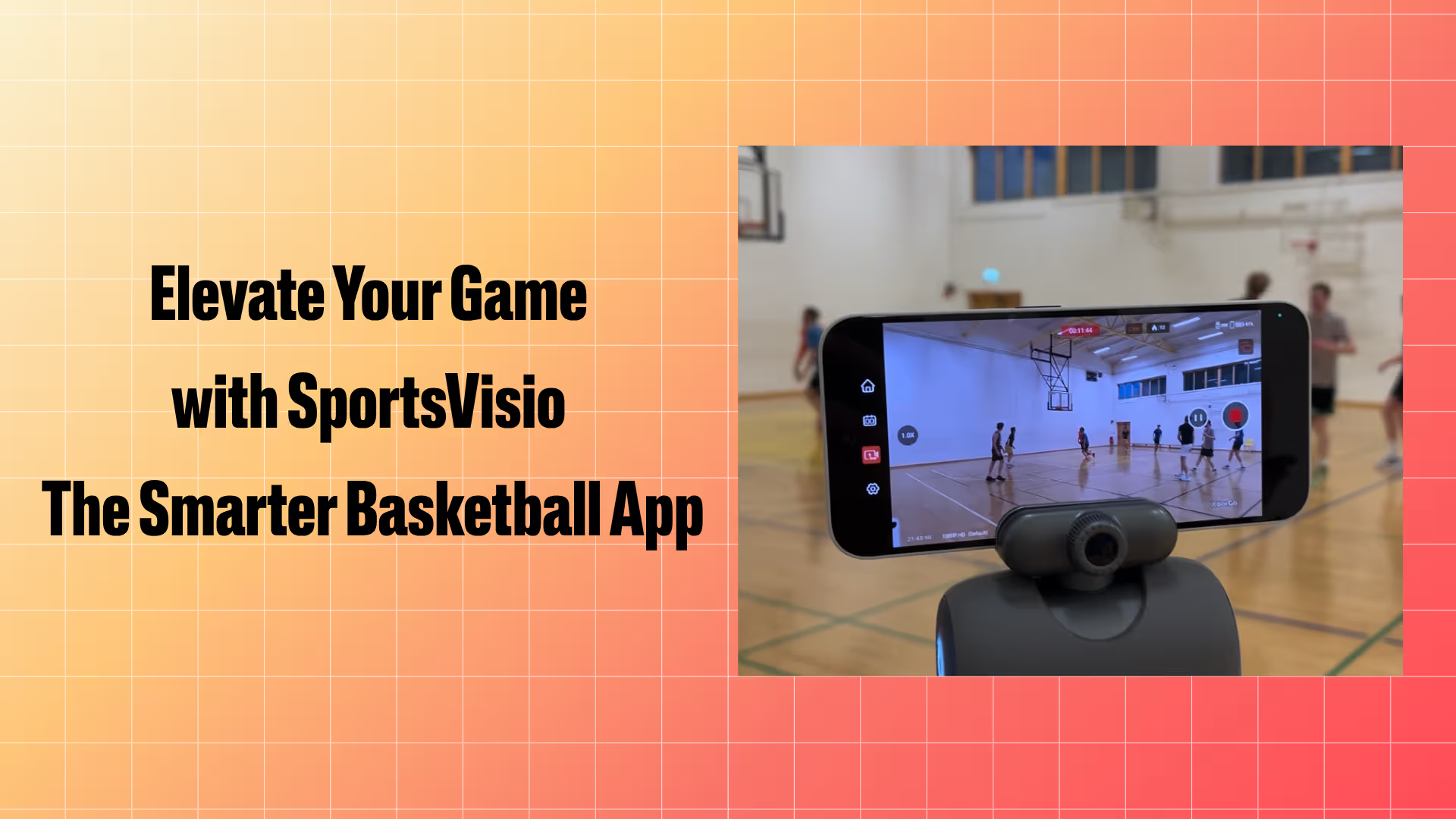
Smart Basketball Recording App: Capture and Upload Guide
You want great highlights and accurate stats. That starts with good raw footage, and good footage starts with a phone, a tripod, and about ten minutes of setup before tip-off.
This guide covers the whole loop: what equipment you need, how to set up on game day, how to record so the AI can actually read the game, how to upload, and what comes back. It assumes you don’t have a camera mounted on the gym wall.
Why record with an app rather than just filming
Grainy footage nobody ever watches is the default outcome of filming youth basketball. A recording app changes what happens after the game: the footage becomes a box score, a set of highlights, and a searchable record of every play. Same phone, same twenty minutes of your evening, completely different output.
- Game recording — capture every play with minimal oversight.
- AI-generated highlights — the system finds the key moments.
- Stats and analytics — points, assists, rebounds and the advanced numbers, without a volunteer stat-keeper.
- Cloud storage — every game stored and easy to share.
- Team and player profiles — track development across a season, not just one night.
Choosing a basketball camera for games
Searching for a basketball camera or a dedicated basketball game recorder? You have three options, and all of them work with SportsVisio:
- The phone you already own. Any reasonably recent smartphone shoots video the AI can read. Put it on a tall tripod and you have a camera for basketball games that costs nothing extra.
- A dedicated recording device. A renewed phone or a camcorder (see the equipment list below) if you want one device that lives in the team bag and only records games.
- A camera package. For programs that want every game captured without anyone having to press record, SportsVisio offers camera packages bundled with your games plan, including SV Capture, Save My Play, Veo and Spiideo options.
Whichever camera you use, the rules for good stats are the same: a stable view of the court with the basket and centre line in frame, 1080p at 30fps, and continuous recording from before tip-off to the final buzzer.
Equipment
Camera. SportsVisio was built on the premise that the phone already in your pocket shoots good enough video for the AI to read. If you want a device dedicated to recording for a team, league or family, a renewed handset is the value pick:
- Best value: a renewed iPhone 14, 128GB — around $310, and the camera is far better than anything you need. 128GB holds plenty of full games.
- Premium: a dedicated camcorder such as the Sony ZV-1 or Sony AX43A if you’re filming several games a week.
Tripod. We’ve tested a lot of these and it’s not the place to save money. A tripod that reaches high enough to clear the crowd is the single biggest upgrade to footage quality.
- Basic: Aureday 74” camera tripod
- Premium: K&F Concept 94” tripod
Phone mount. One clear winner: the Syncwire tripod phone mount. Buy two if you plan to run two phones — they mount together.
Extras. A battery pack and charging cables. A dead phone at the start of the fourth quarter costs you the game.
Setting up on game day
Arrive early. Get set up and tested before warm-ups finish.
One phone. Put the tripod as close to half court as possible, far enough back that the near sideline is in frame. You’ll pan to follow the action, so be ready — these games move quickly. Get the scoreboard in view if you can.
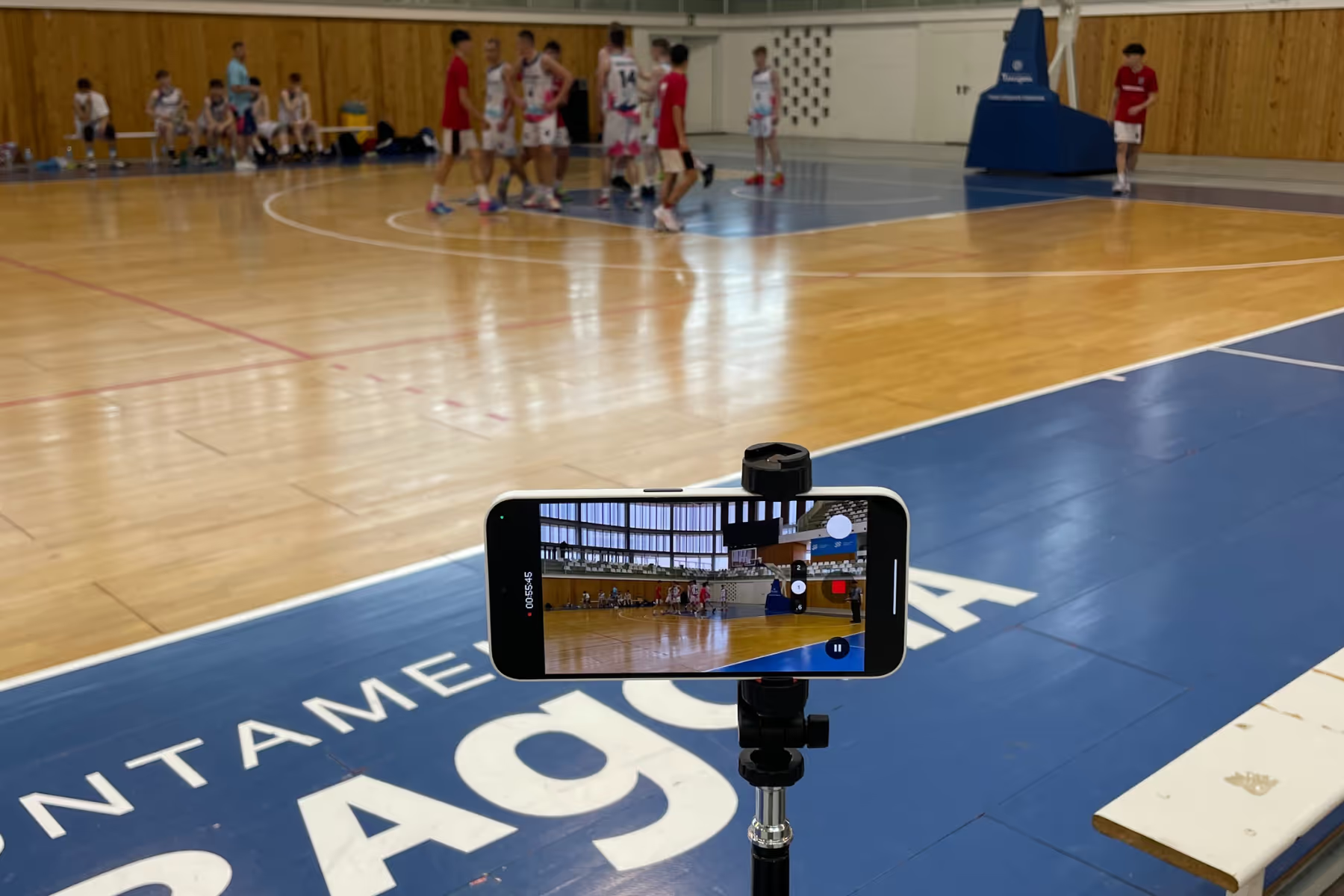
Two phones. Set it up and walk away. This is the option for leagues running many games, or coaches who have an actual job to do during the game. Tripod near the halfway line, far enough off the sideline to keep the near sideline in frame. Point one phone at the left side of the court with the centre line and basket in view. Point the other at the right side, again with the centre line and basket in view. Because you’re not changing angles mid-game, you can raise the tripod higher and get a better view.
Don’t miss the start. Hit record before the game begins. If the video misses events, the stats miss them too. The AI can only score what it can see.
Recording best practices
- Fully charge the device before every game, and keep the battery pack handy.
- Check you have enough storage.
- Set resolution to 1080p and frame rate to 30fps.
- Start recording a couple of minutes early so players can be identified.
- Keep the sound on — game audio helps.
- Record continuously, including halftime.
- Keep the referee in frame so fouls and violations can be validated.
- Capture the scoreboard at the end to validate the final score.
- Announce the teams into the microphone at the start: “Team X is wearing white, Team Y is wearing navy.”
Filming with nothing but a handset? Our phone-only filming guide goes deeper on settings and technique.
Uploading your game
Preferred: the SportsVisio Manager app, available for iOS and Android. It uploads games against your schedule, which is what gives you the fastest turnaround.
Alternative: Dropbox. Trial games go through the free trial page. Customers with accounts received a unique Dropbox link in their onboarding pack. Once you’re on reliable wi-fi:
- Open the Dropbox folder link and click Upload.
- Name each file Team 1 (color) v Team 2 (color).
- Select the video and let it finish. Set your phone to keep the screen on so it doesn’t sleep mid-upload.
What comes back, and when
Processing usually takes about 24 hours from upload. You’ll get an email when the game is ready, and then you have full stats, player trophies, highlights and the complete game in the SportsVisio app. Follow your league, team and players so the moments you care about come to you.
For what to actually do with the numbers once they land, see what to look for in basketball analytics software — it covers the four factors, points in the paint and points off the break.
How SportsVisio compares
SportsVisio uses AI and computer vision to track players, stats and game flow from ordinary phone footage — no manual tagging, no wearables, no fixed-camera install. That’s the difference from platforms built around a tagging workflow, where the tool is modern but the labour stays with the coach.
Programs already doing this
A youth player in Maryland used SportsVisio to change the parent-player conversation, with objective stats and highlights replacing guesswork about how a game went. In New Hampshire, Trinity Christian School swapped error-prone manual stat tracking for automated video analysis, freeing team managers to focus on the game instead of the clipboard.
Frequently asked questions
What equipment do I need to record basketball games for AI stats?
A smartphone and a tripod. SportsVisio is built around phone capture, so no fixed cameras, sensors or wearables are required. A tall tripod and a phone mount are the only accessories that materially improve results.
Do I need a special basketball camera to record games?
No. Bring your own phone, tablet or camera and upload the footage. If you want games captured automatically, SportsVisio camera packages pair a camera with your games plan.
Can I record basketball games with just my phone?
Yes. Any reasonably recent smartphone shoots video the AI can read. A renewed iPhone 14 at around $310 is the value pick if you want a device dedicated to filming, but the phone you already own will work.
What camera settings should I use to record a basketball game?
1080p resolution at 30fps. Higher resolutions make much larger files without improving stat accuracy, and they slow your upload down.
Should I use one phone or two to record a game?
One phone if someone is available to pan and follow play. Two phones if you want to set up and walk away — one covering the left side of the court, one the right, each with the centre line and basket in frame. Two phones also lets you mount higher, which gives a better angle.
Where should I put the camera to record a basketball game?
As close to half court as possible, far enough back that the near sideline stays in frame, and as high as your tripod allows. Getting the scoreboard in view helps validate the final score.
How long does it take to get stats and highlights back?
About 24 hours from upload. You’ll get an email when the game is ready.
How do I upload a game to SportsVisio?
Use the SportsVisio Manager app on iOS or Android, which uploads against your schedule and gives the fastest turnaround. Dropbox upload is available as an alternative for trial games and for account customers with an onboarding link.
Do I need to keep recording through halftime?
Yes, record continuously. Stopping and restarting creates gaps, and anything the camera misses is missing from the stats too.
Is this suitable for youth and rec leagues?
Yes. SportsVisio is used from elementary rec leagues through high school varsity and international pro clubs. Phone capture is what makes it workable at the youth level, where nobody has a camera install budget.
Start recording
Get the phone on a tall tripod, hit record before tip-off, upload through SportsVisio Manager, and have your stats and highlights the next day. See pricing for your number of games.
Related Stories

.png)

Book a Demo and Get a Free Trial
Set up time to speak with our team and see our product in action.