
.svg)
Phone-Only Filming Guide for Youth Sports Parents
Phone Only Filming Guide for Youth Sports Parents
Parents ask this every weekend, how do I capture good game footage with just my phone, then turn it into clips I can share in the team chat, post on Instagram, or save for later.
The good news is that you do not need a fancy camera to get useful, watchable youth sports video. A modern phone, a simple setup, and a consistent angle will beat a more expensive device.
This guide walks you through the filming setup, the phone settings that matter, and two workflows for turning footage into shareable highlights, including a SportsVisio option that does the clipping and stat based moments for you after the game.
Why phone footage works
Modern phone cameras are good enough. Most phones from the last few years handle bright gyms and fast action far better than older camcorders, they autofocus quickly, and they stabilize video automatically. That means your biggest improvement usually comes from where you set up and how steady you keep the shot, not from buying new gear.
A phone is already in your pocket, it starts recording in seconds, and it is easy to share. That convenience is massive because the best camera is the one you actually use. Consistency creates better footage over a season than one perfect recording every three weeks.
You do not need a $500 camera, a special lens, or a complicated rig to get solid youth sports video. If you want to spend money, spend it on stability and comfort.
The 5 rules of youth sports filming
These five rules apply to most youth sports, and they matter more than any setting inside your camera app.
- Landscape only: Turn your phone sideways and keep it there. Landscape gives you more of the play, it fits TVs and most sharing formats better, and it makes it easier to follow action without cutting off players. A simple rule that helps, if you see the phone interface rotate, stop and fix it before the next possession or play. It is better to miss two seconds than to record an entire quarter vertically.
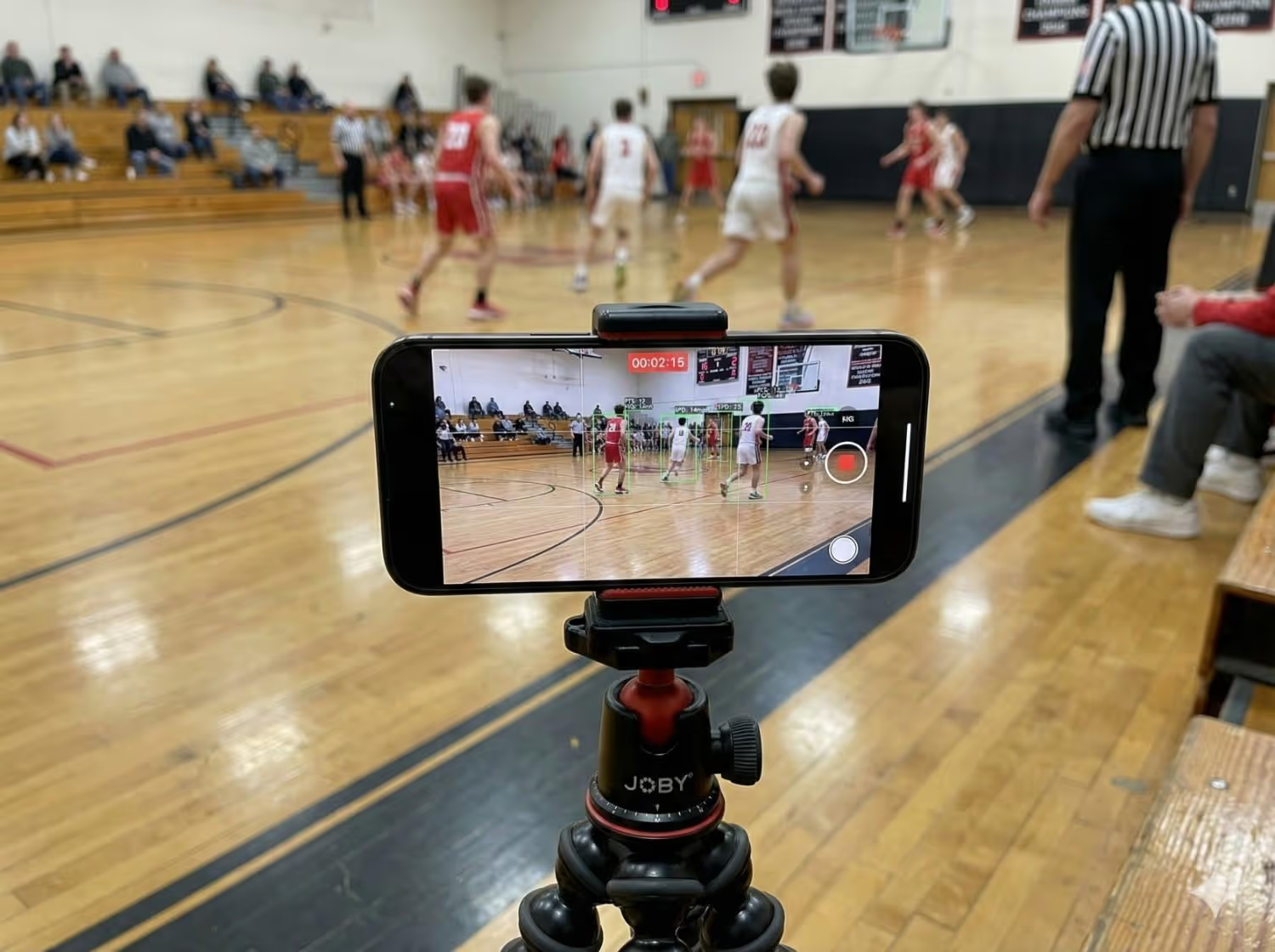
- The best angles: If you are filming basketball, volleyball, soccer, lacrosse, and many court or field sports, you will usually get the best view from a central position with a little elevation.
For basketball in a gym
• Stand high if you can, a few rows up helps
• Pick a spot that lets you pan smoothly to capture all the action
• Stay in the same spot, do not move around during the game
For volleyball
• Stand behind the end line if allowed, slightly off center is often best
• If the gym layout blocks that, choose an elevated corner that sees both pass and attack lanes
• Keep the full court in frame as much as possible
The goal is not cinematic video, the goal is useful video that shows decisions, spacing, and outcomes.
- Stability: Shaky video is the fastest way to make footage hard to watch and hard to clip. Stability does not have to be complicated.The most reliable option is a tripod that you can set up easily and trust. If you buy one thing, buy stability.
- Follow the ball, but do not chase it: The ball is the center of the story, but parents often overreact and whip the camera around. Instead, pan smoothly and try to stay one step ahead.
A practical approach
• Keep the ball handler and the nearest passing options in frame
• When the ball is in the air, pan early and smoothly toward the landing spot
• When you lose the ball, zoom out slightly, then re center
• In basketball, if a shot goes up, hold for the rebound and outlet, that sequence often becomes the highlight, not the jumper
- Wide shots win: Most parents zoom in because they want to see their kid’s face, but highlights and coaching moments come from context. Wide shots show spacing, cuts, screens, help defense, rotations, and transitions.
A few rules
• If you can see the whole half court in basketball, you are doing great
• If you can see all six players on the volleyball court most of the time, you are doing great
• If you can see the ball, the immediate action, and the next option, you are doing great
Phone settings that matter
You can record great video with default settings, but a few adjustments help for action sports.
Resolution, 1080p is enough
1080p is the sweet spot for most parents because it looks good, it saves storage, and it uploads faster. 4K can look sharper, but it eats storage quickly and can slow down sharing, especially if you are filming multiple games in a day. If you know you will be clipping and sharing frequently, start with 1080p.
Frame rate, 30fps for action sports
30fps handles fast movement well, and it makes slow motion replays cleaner if you ever need them.
The airplane mode trick
Incoming calls, notifications, and low battery pop ups are the silent killers of game footage. The cleanest solution is to set up your phone before the game starts.
Pre game checklist
• Turn on airplane mode
• Manually turn Wi Fi back on only if you need it
Storage management
If you film often, storage will become the bottleneck, especially if you have multiple kids, multiple sports, and multiple weekends.
Simple storage habits that work
• Before a tournament weekend, clear space, aim for at least 20 to 30GB free
• After each day, move videos off your phone, either to cloud storage or a computer
• Use folders or albums by athlete, sport, and date
Battery and heat
Long recordings drain battery and phones can overheat in hot gyms or direct sun. Bring a power bank if you film multiple games, and keep the phone shaded outdoors.
If you use a power bank while filming, secure the cable so it does not tug the phone, and keep the power bank on the ground or attached to the tripod.
From phone to shareable highlight
After the game, you have two paths, the manual path and the AI assisted path. Both can work, the right choice depends on how much time you want to spend and how many kids, games, and chats you manage.
Manual path
Step 1, save and back up
As soon as the game ends, confirm the video is saved. Then back it up, either upload to cloud storage or move it to a computer when you get home.
Step 2, find the moments
Scrub through the video and write timestamps in your notes app. Keep it basic.
• 03:12 steal and layup
• 06:40 assist
• 11:05 block
Step 3, trim clips
Use your phone’s built in editor to trim each moment. Keep clips short, most team chat clips should be 8 to 20 seconds. Start a second before the action begins, end a second after the play finishes.
Step 4, share
Send to the team chat, text to grandparents, or save into a highlight album.
Where the manual path breaks
• You forget to back up, then storage forces you to delete later
• You lose time searching for moments
• You have multiple kids, and now you are managing a small media library without a system
If you want the manual path to feel easier, treat it like a routine
• Upload after every game
• Timestamp during breaks
• Clip only the top 3 moments per game
AI path
The AI path reduces time spent searching and editing, and increases consistency. This is where SportsVisio fits in.
SportsVisio workflow, parent friendly version
• Record the game on your phone or use an available streaming feed, then submit the video
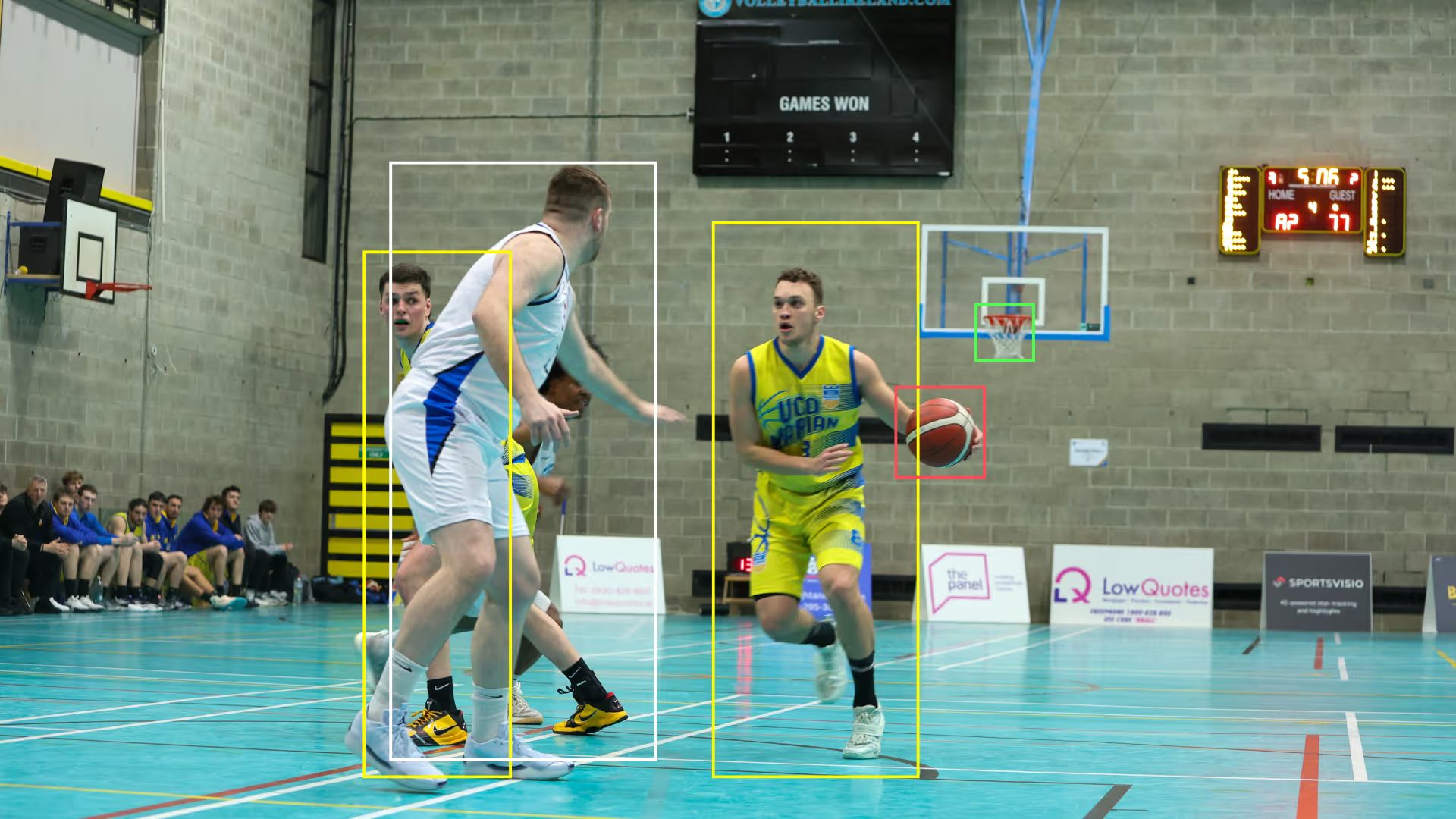
• SportsVisio analyzes the game after it ends, it returns full game video, player highlights, and performance insights without you manually statting or editing
• Players and parents can open the game, view shareable moments, and send clips to team chats or social without digging through a full recording
This matters most when
• You do not want to be the designated editor for the whole team, and you do not have time for it
• You have multiple kids playing many sports
• You want consistent highlights for every player, not just the ones you happened to clip
A practical way to decide which path to use
• If you only need a few clips occasionally, manual is fine
• If you want clips every game, for multiple players, with less effort, use an AI workflow
Sharing, team chats, Instagram, recruiters
Sharing is where good filming turns into real value, but each destination has different requirements.
Team chats
Team chats are about speed and clarity, not production quality.
Best practices
• Keep clips short, 8 to 20 seconds
• Add a one line description if needed, like “fast break assist” or “serve ace”
• Share the moment, not the entire quarter
• If you are clipping manually, export at a reasonable size so it sends quickly, most phones handle this automatically
Instagram and social
Social platforms reward vertical formats, but your source footage should still be landscape for game context. The trick is to create a vertical friendly version after.
Two approaches
• Post landscape as is, it can still perform if the play is good and the clip is tight
• Create a vertical crop, center on the action, and add a simple caption
If you are doing it manually, avoid heavy filters, and keep the clip readable. If you are using SportsVisio, focus on selecting the moments that tell a story, then share the clean clip.
Privacy considerations for social
• Avoid posting full rosters, schedules, or locations publicly
• If your team has rules for posting minors, follow them
• If another parent asks you to remove a clip, do it
Recruiters and longer term libraries
Even if your athlete is years away from recruiting, a clip library helps. It also reduces stress later because you are not trying to rebuild a season from random videos.
Recruiter friendly habits
• Save full games when possible, coaches often want context
• Organize clips by skill category, not just “best plays”
• Keep contact and basic info ready when the time comes
If you are building a highlight edit for recruiting, aim for a short, clean reel, and keep it organized by skill, not chronology. If you use SportsVisio, you can start by pulling your best moments per game, then build a reel that matches what coaches want to see.
Export settings
If you have choices, these are safe defaults
• Resolution, 1080p
• Frame rate, 30fps
• File type, default phone export is usually fine
If a platform compresses your video, do not fight it too much. Focus on steady footage and wide context first because that is what survives compression best.
A simple game day routine you can repeat
If you want the shortest path to better footage, use this repeatable routine.
• Arrive early and pick your angle, aim for a consistent central view when possible
• Set your phone to landscape, 1080p, 30fps, then turn on airplane mode
• Stabilize your phone, always on a tripod
• Record wide, pan smoothly, and stay one step ahead of the play
• After the game, back up the video, then choose your clipping workflow, manual for a few moments or SportsVisio for a faster highlight and sharing experience
Do this for three games in a row and you will immediately notice the difference. Your footage will be steadier, your clips will be easier to find, and sharing will stop feeling like homework.
Related Stories
.png)

Book a Demo and Get a Free Trial
Set up time to speak with our team and see our product in action.